

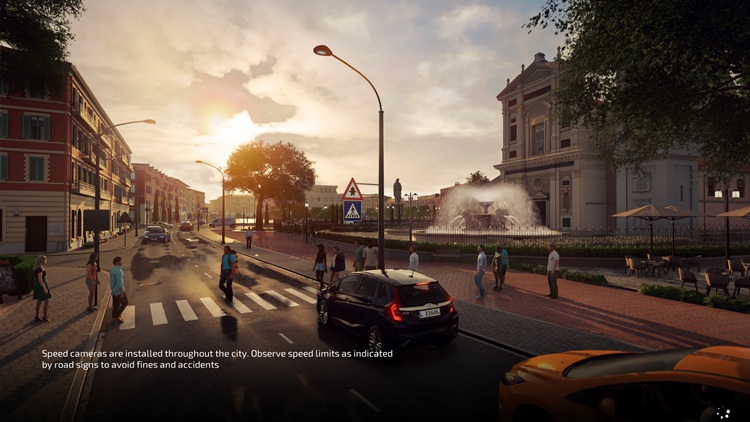
Your City Car Driving 2.0 save game file is located in the AppData folder. This folder is hidden by default. You’ll first need to enable “show hidden files and folders” in your folder options.
C:\Users\USERNAME\AppData\Local\Forward Development\CityCarDriving2\Saved\SaveGames
The CCD2.0 save file has a .SAV extension. If you try to open a .SAV file with Notepad, you’ll get an error. So how do you open files with a .SAV extension? You’ll need a helper program for this. You can convert the SAV file to a CSV file using online conversion tools like PSPP, then make the necessary edits and changes.
